










Microsoft updated and released version 157 of the Microsoft Edge browser yesterday (November 6th), clarifying that the new feature "accelerated app startup" is applicable to the Windows 1125H2, 26H1, and 26H2 versions. Additionally, users of the Edge browser need to upgrade to later versions, such as 150, to take advantage of this feature.
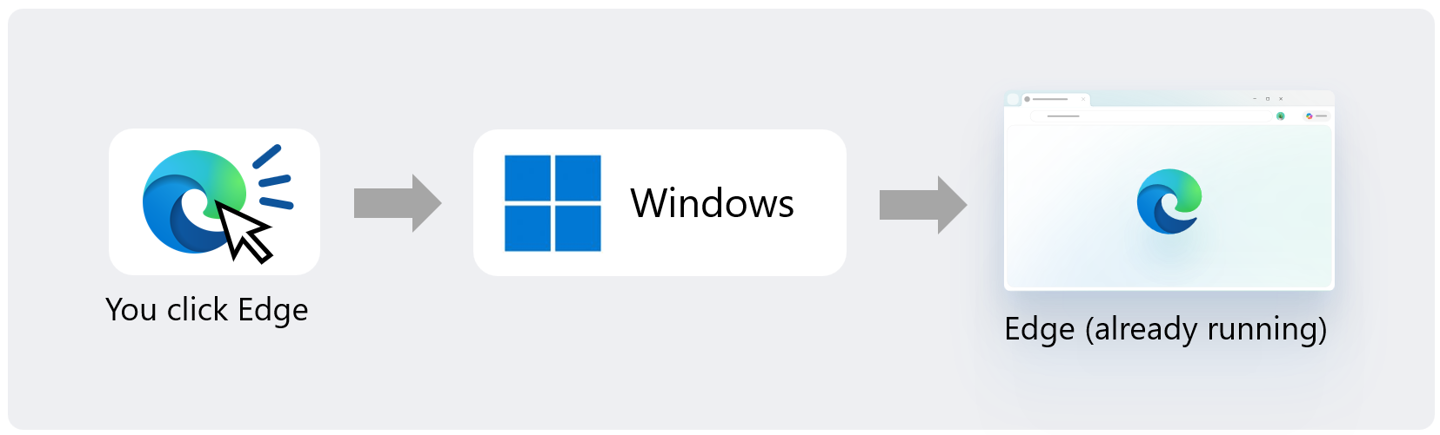
The new feature "Accelerated Application Launch" is mainly aimed at "warm startup" (where the application is already running in the background). Officials state that under heavy multitasking loads, the startup speed of Edge can be increased by up to 33%, with an average improvement of about 15%. Microsoft is also exploring the use of this mechanism to open PDF files more quickly.
IT Home attaches the update log content of Microsoft Edge Browser Version 157 Stable as follows:
- Announcement on Gradual Phasing Out of Native XSLT Support in Browsers: Starting from Edge version 157, this feature will be disabled by default in preview channels; for stable channels, it will also be disabled by default from Edge version 159 onwards. The temporary support plan provided for trial users and source testers (Origin Trial) will end on Edge version 176.
- Deactivate the old version's direct call to WAM for login implementation, switch to OneAuth, and complete the migration in Edge 157. Some users may need to log in again.
- Added support for logging in with the Apple account. In addition to the Microsoft account, users can now also use the Apple account to log in to Edge.
- Upgrade Copilot new tab, integrating search and chat input boxes, and providing recommended actions and selected job content.
- Update of the Copilot sidebar, simplifying the interface, refreshing icons, and introducing features such as Copilot Voice (voice) and Vision (visual).
- Remove the "Fade Out Inactive Tab Pages" feature and its related settings.
- Improve the hover card on tab pages to display memory usage more clearly, as well as the amount of memory saved after inactive tab pages are released.
- Added a new setting that can be enabled for managed devices, used to control whether Edge will automatically run when Windows is started.
- Fixed an issue where some users experienced long periods of no response from the browser when interacting with specific Web applications after enabling assistive functions.
- Added multiple corporate policies, covering cloud management registration, Blueprint GWA availability, component updates, and proxy HTTP authentication.
- Deactivate the BackForwardCacheForWebSocketsAllowed strategy.