












News from the IT community on October 9th: Technology media Android Authority reported yesterday (October 8th) that in less than a week since its launch, at least 4 users of Acer Googlebook devices have reported that their devices have fallen into an infinite reboot cycle after the update.
IT Note: During an event on September 21st, Google released 5 models of Googlebook. Among them, the Acer Googlebook 14 is the cheapest model and also the only 2-in-1 laptop.
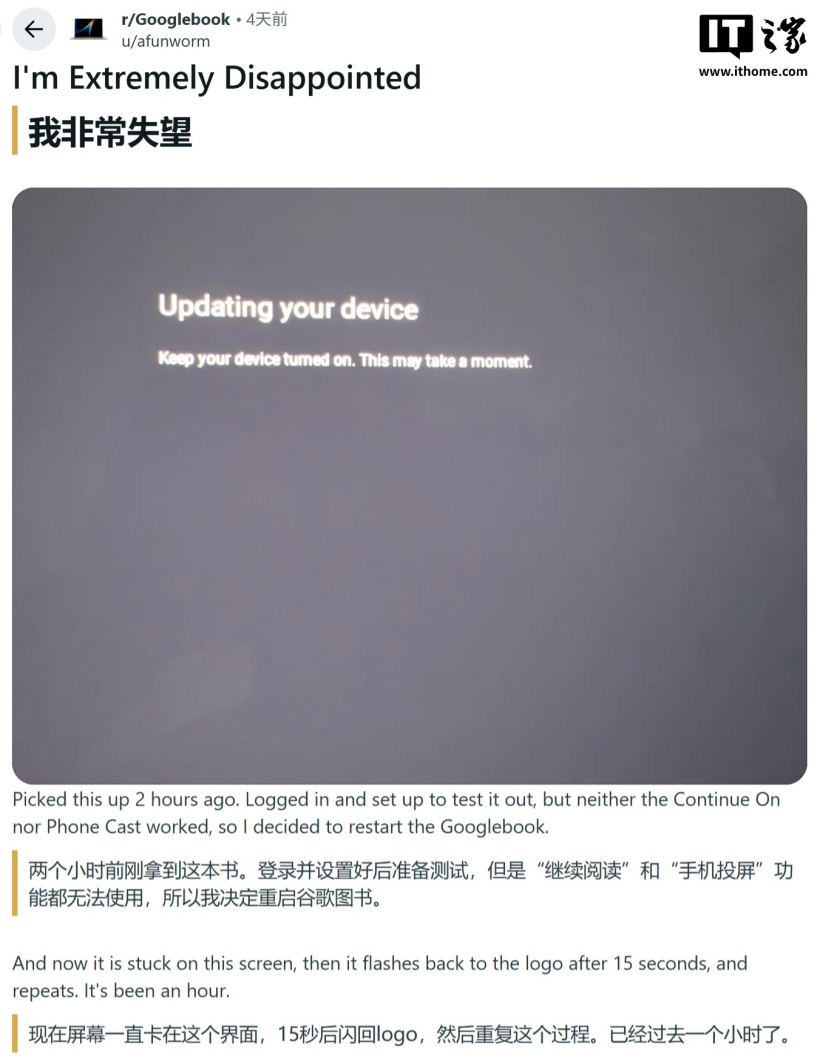
According to user feedback, upon first powering on and connecting the laptop to a mobile phone, the system prompts for an update. After users click to update, the Acer logo is displayed for a few seconds, followed by a "Updating" message that persists for about ten minutes, and this cycle repeats continuously.
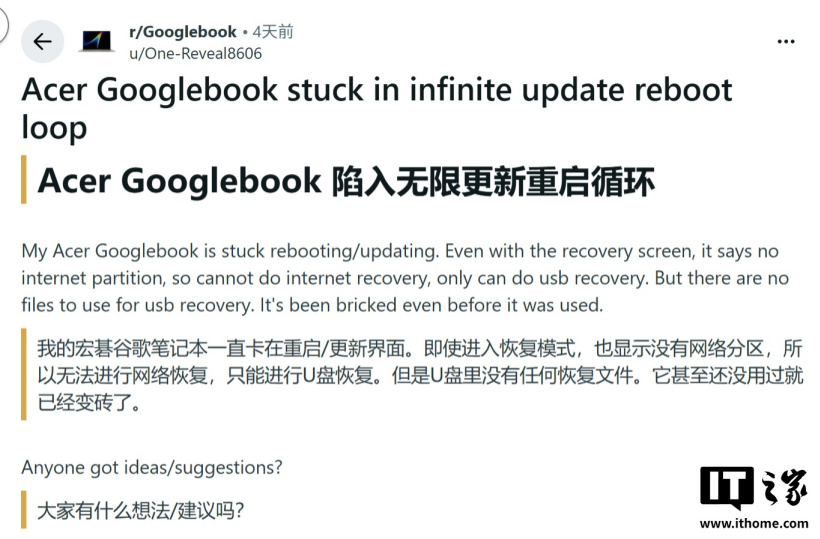
Another user mentioned that after the device entered recovery mode, it prompted a lack of a network partition, making it impossible to use network recovery. Only USB could be used for recovery; however, there were no recovery files on the USB drive at all. It even became unusable before it was even used.
Google Employees, Mishaal Rahman It is recommended that affected users remove all USB devices. Hold down Esc + F2 and then quickly press the power button to enter the recovery menu. Users can then unlock the boot loader through the “Advanced” menu ( bootloader ). After the device restarts, re-lock it and choose to start from the internal disk.